A Beginner's Coding Adventure 🎮🐍
Transform your child's love for gaming into real-world programming skills! Using analogies from Minecraft and Roblox, this interactive Python textbook turns complex coding concepts into relatable, fun adventures.
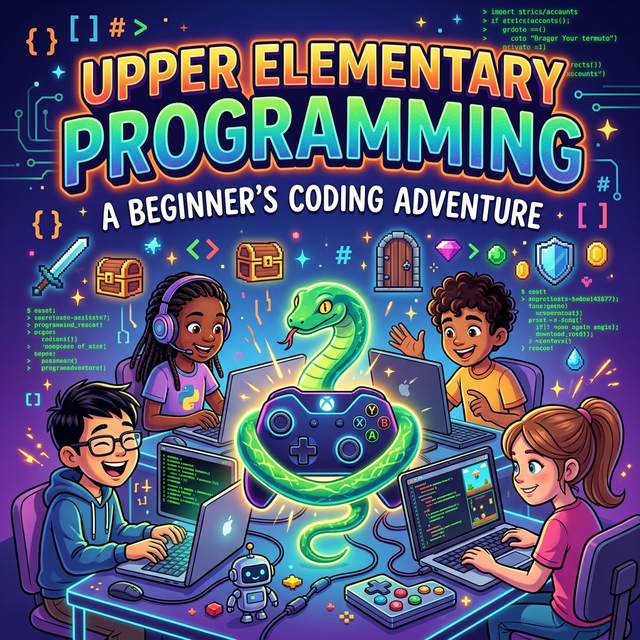
Bridge the gap between playing games and making them.
Students learn Python by building "The Dungeon Run," a fully playable text-based adventure game.
Every chapter meets specific ISTE and CSTA educational standards for computer science.
Built-in Social-Emotional Learning (SEL) connections and Peer-to-Peer collaboration activities.
Scannable QR codes link to interactive practice sessions on Kahoot, IXL, and Educaplay.
SMART goal setting, reflection questions, key term glossaries, and multiple-choice Knowledge Checks.
Students write actual Python code — from print statements to loops and conditionals — building genuine programming fluency.
Learn the basics of communicating with a computer, understanding sequences, and writing your first print commands.
Discover how to store information like scores and player names using variables and integers.
Teach the computer how to make decisions using If/Else statements and Boolean logic.
Automate repetitive tasks using For and While loops, and learn how to avoid the dreaded infinite loop.
Synthesize all your new skills to build, debug, and polish "The Dungeon Run" game.
From Chapter 1: The Art of Python — Getting Started
Programming is the art of telling a computer what to do. Think of it like the "Redstone" in Minecraft or the "Scripts" that make things move in Roblox.
Just like you might give step-by-step directions to a friend — "Walk forward three blocks, turn left, jump over the lava" — a program gives instructions to a computer so it can complete a task. Each instruction must be clear, ordered, and specific.
Instead of dragging blocks or using a crafting
table, in Python, we type our instructions. Think
of it like typing a command in the Roblox chat box (/e dance) to make your character do something.
Let's look at a simple example:
print("Hello, world!")
print("Python")
When you click Run, the computer reads your text and shows: Hello, world!. That one line of code tells the computer to
"print" (display) a message on the screen. It's
small, but it's the exact same way professional game
developers start their journey.
( )
Parentheses act like a container —
similar to your Inventory or Backpack.
They hold the message you want to send.
" "
Quotation marks are like Chat Bubbles.
They tell the computer, "This is exactly
what I want you to say."
— Excerpt from Upper Elementary Programming, Chapter 1: The Art of Python
This title isn't available to buy yet.
We're finishing this title for the store. Want to know the day it launches? Let us know or browse the books available now.
Approved for purchase through ClassWallet and ESA programs. Need a site license or district pricing? Contact us.
Give your upper elementary students the coding skills they need — through the games they already love.